Smart Dialer
Auto-dialing, call transfer, conference calls, voicemail drops, and configurable call rules.
Calls placed straight from the browser, no desk phone needed.Connect with more motivated sellers using automated calling, live call transfer, call recording, voicemail drops, and skip tracing that returns the whole household at 98% accuracy.
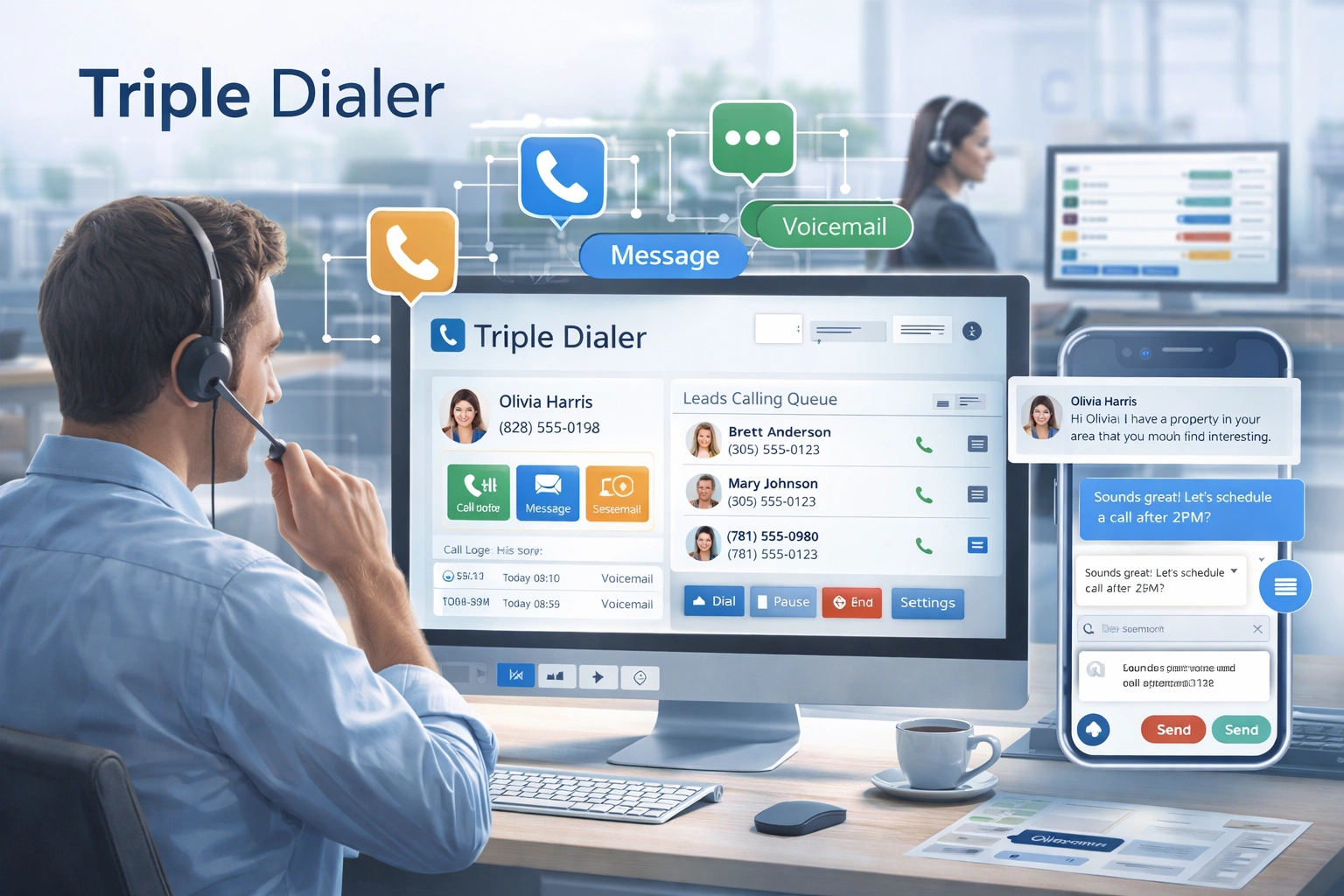
Everything your team needs to turn leads into conversations, built for agents, investors and property managers.
Auto-dialing, call transfer, conference calls, voicemail drops, and configurable call rules.
Calls placed straight from the browser, no desk phone needed.Turn a property address into phone numbers and emails for the owner and the household around them, each contact labelled by relationship.
98% accuracy. 9 out of 10 records connect.View property locations with an interactive map and street view for better preparation before calls.
Property-level data tied to each contact record.Track call completion rates, skiptrace accuracy, and performance metrics with detailed analytics.
Real-time insights to optimize your outreach strategy.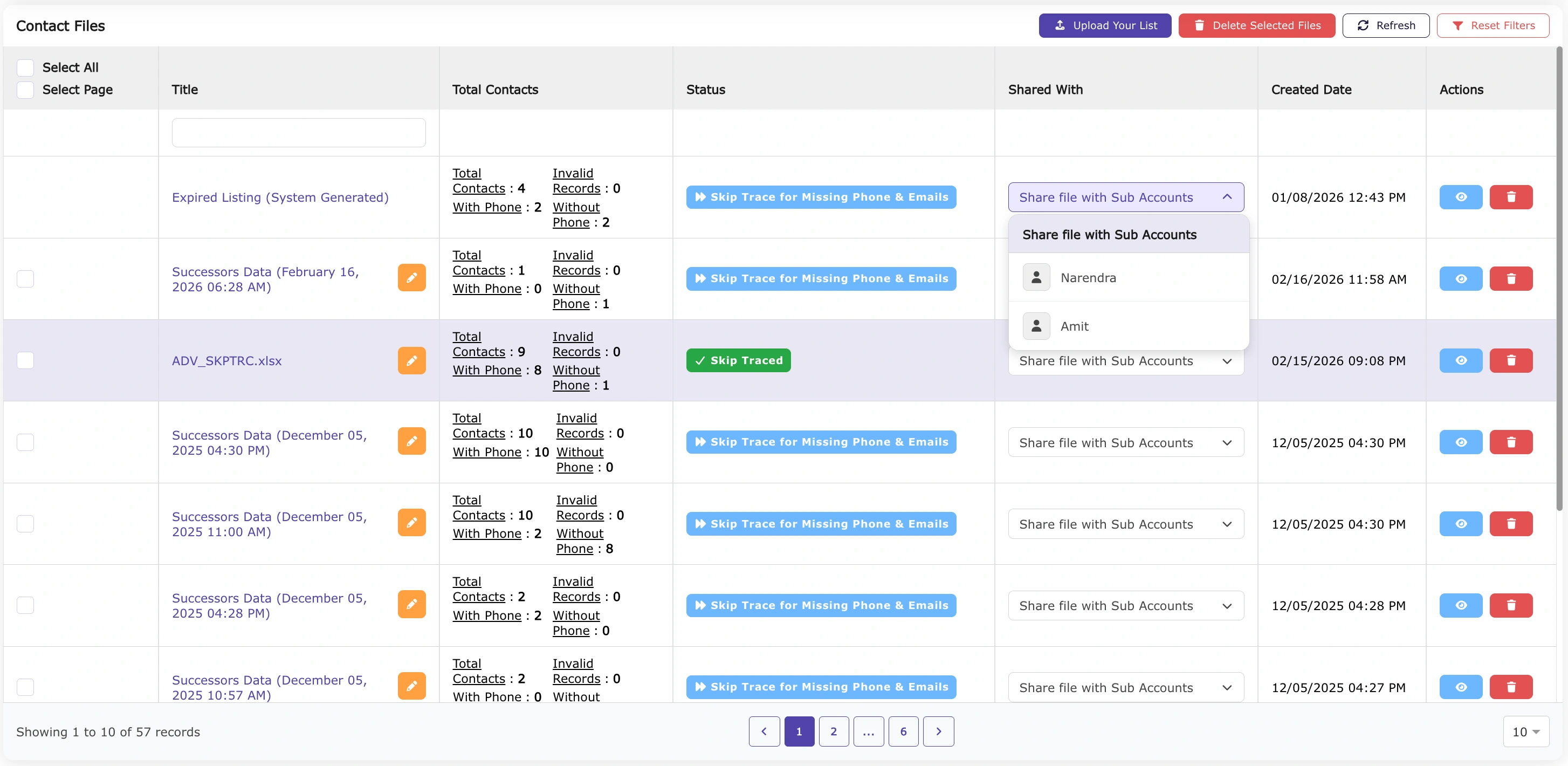
Calling runs on our own carrier and is billed with your subscription, so there is no separate phone account to set up and no second bill. Every plan includes calling minutes each month, and you can buy more whenever you need them.
Give us the property address and we hand back the owner's phone numbers and emails, plus the spouse, the children, the in-laws and the neighbours, each one labelled with the relationship.
Per record. Pay as you go, no subscription required.
Skip trace records granted once with your first subscription, 100 on an individual plan up to 300 on annual. No expiry.
See how our Dialer and Skiptrace tools help you make more calls, find missing contacts, and boost your outreach efficiency.
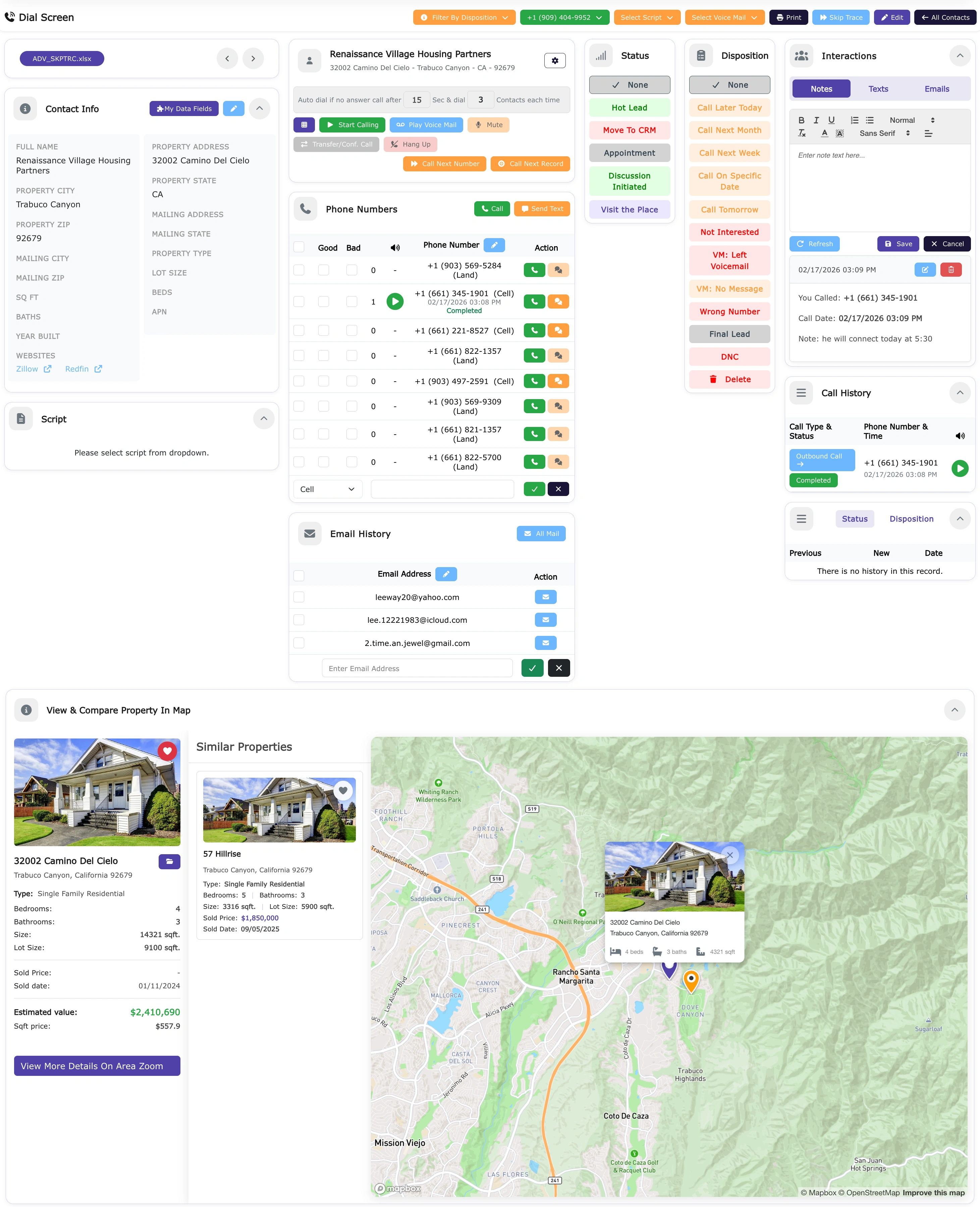
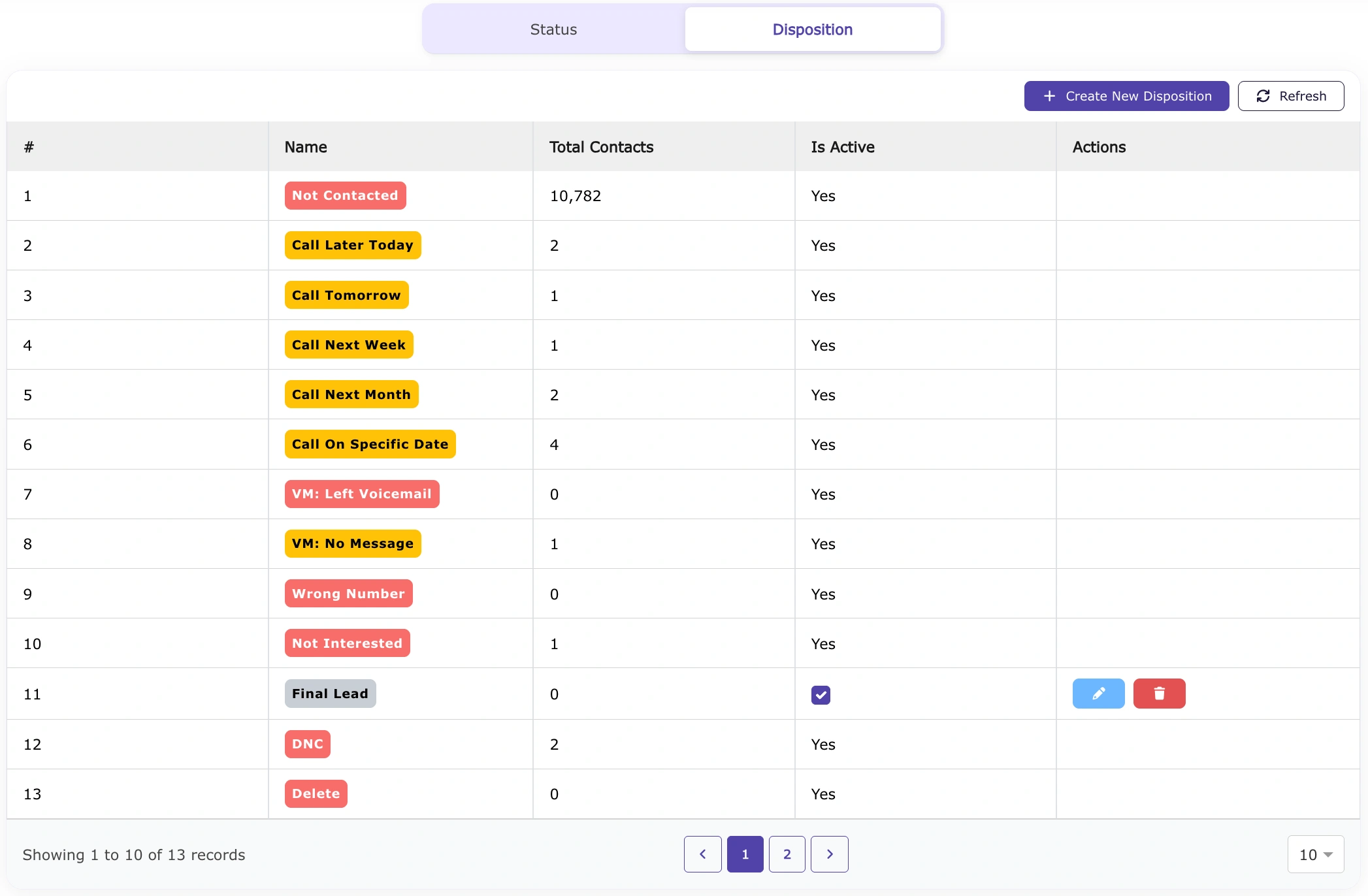
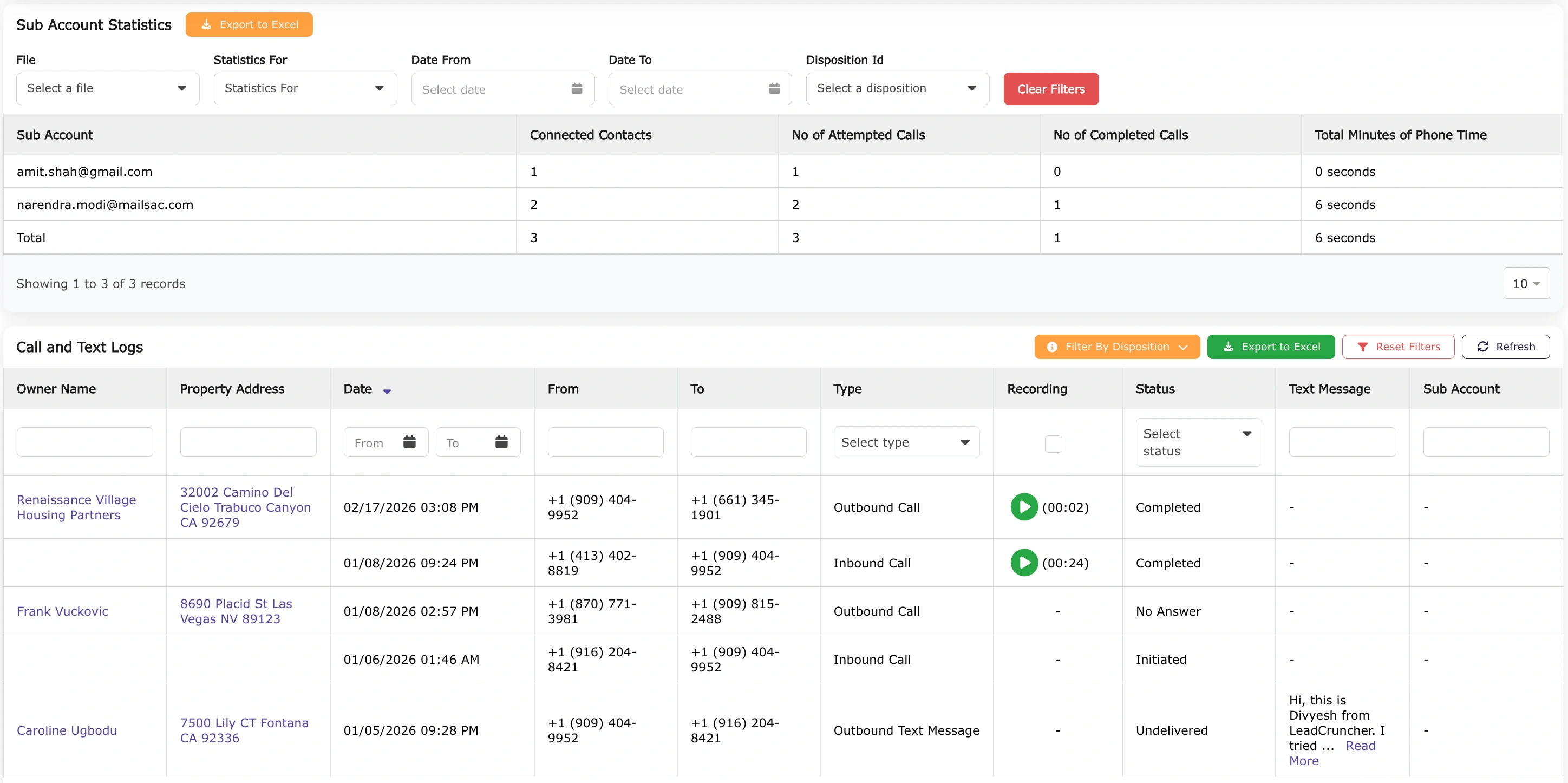
Monitor call completion rates and skiptrace accuracy with our dashboard insights.
A Triple Dialer calls up to three leads simultaneously and connects you the moment someone picks up, eliminating the idle time between calls. Compared to a single-line dialer, it can triple your talk time per hour, meaning you work through your lead list in a fraction of the time. For real estate prospecting, more conversations per hour directly translates to more appointments set and more deals closed.
Yes, when used correctly. You must comply with the Telephone Consumer Protection Act (TCPA), Do Not Call (DNC) registry rules, and any applicable state calling laws. The dialer blocks any number on your own DNC list, but it does not screen against the National Do Not Call Registry and it does not police calling hours for you, so registry compliance and call timing stay with you. We strongly recommend consulting a compliance professional for your specific state, as some states like Florida, Oklahoma, and California have stricter regulations.
Federal rules under the FTC/FCC permit outbound calls between 8:00 AM and 9:00 PM in the recipient's local time zone. The dialer does not schedule around a lead's time zone for you, so build your calling lists by region and set your own dialing windows to stay inside legal hours.
Most agents average 80 to 120 conversations per day using a triple-line dialer, compared to 20 to 30 on a single-line setup. Actual numbers depend on your list quality, answer rates, and your pitch efficiency, but the dialer maximizes your opportunity to get in front of as many sellers as possible.
When two or three leads answer simultaneously, the dialer instantly connects you to the first live answer and drops the other calls with a pre-recorded hang-up or silence. This is standard triple-dialer behavior. To minimize hang-up complaints, keep your call lists targeted and your answer rate expectations realistic.
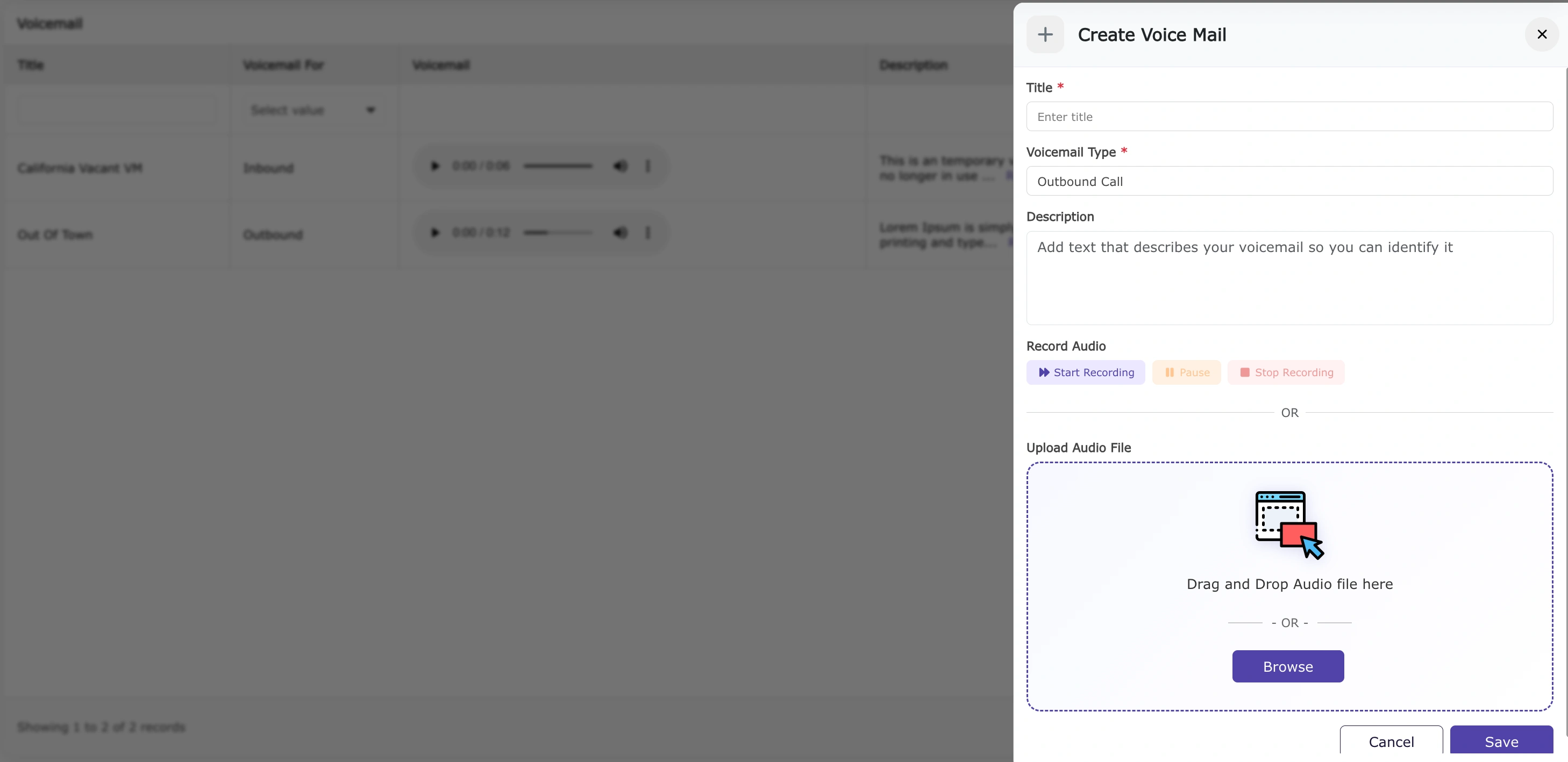
Yes. Our dialer supports voicemail drop. You record your message once and drop it instantly when you hit an answering machine, without waiting for the beep. This lets you move to the next call immediately and still get your message across to leads who don't answer live.
Absolutely. While on a call you can tag the lead with a disposition (e.g., Interested, Call Back, Not Interested, DNC) and add call notes in real time. This keeps your pipeline organized and ensures timely follow-ups without relying on memory.
When you connect with a motivated seller, pause the dialer immediately so you can give the conversation your full attention. Use your script to qualify the lead. Ask about their timeline, property condition, reason for selling, and price expectations. If they qualify, schedule a follow-up appointment or property walkthrough before you hang up. The dialer is a door opener; your skill closes the deal.
You can upload your own lead lists in CSV format, including lists built from AreaZoom property searches, skip-traced owner data, or any other source. The dialer campaigns through your list automatically. You bring the list; the dialer maximizes your contact rate.
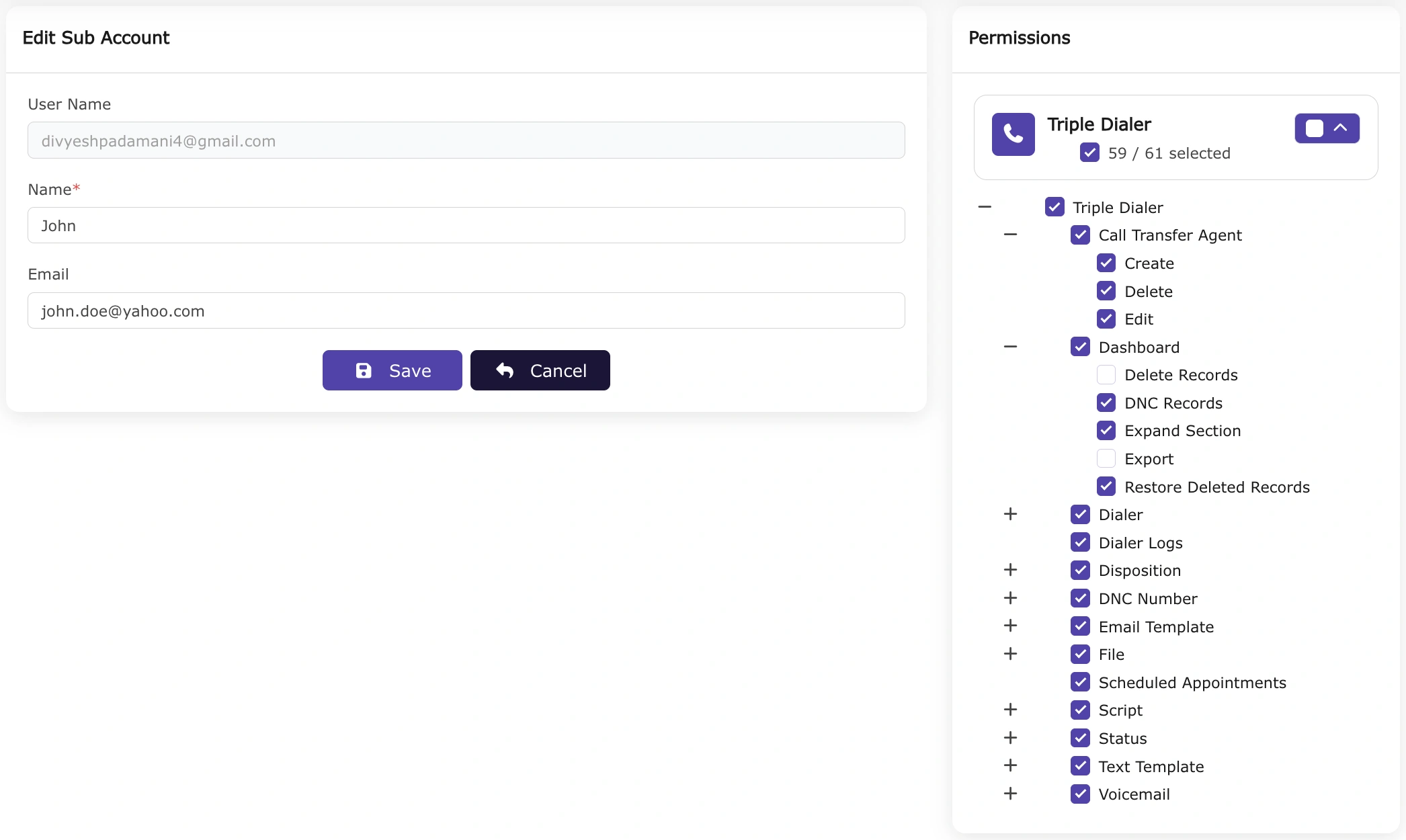
Yes. Our platform supports sub-accounts and team configurations so multiple agents can run simultaneous campaigns from the same account. Admins can assign lead lists, monitor live call activity, review call recordings, and track each agent's performance metrics from a central dashboard.
Yes, call recording is supported. Reviewing your calls is one of the fastest ways to improve your pitch, identify objection patterns, and coach your team. Recordings are stored in your account and can be accessed at any time. Always disclose that calls may be recorded, as required by law in many states.
The highest-converting lists for real estate typically include absentee owners, high-equity homeowners, pre-foreclosure / NOD leads, expired listings, and tired landlords. The more targeted your list, the higher your answer-to-appointment conversion rate. Pair your dialer with AreaZoom's property data to build hyper-targeted lists before you ever dial.
Always respect a DNC request immediately. Add the number to your internal DNC list with one click from the dialer interface. For 'not interested' responses, a brief empathy statement and a single soft question ('Understood, just out of curiosity, if the price were right, would you ever consider an offer?') can sometimes open the door. Never pressure or argue with a prospect.
A stable broadband internet connection of at least 10 Mbps is recommended. A noise-cancelling headset significantly improves call clarity and professionalism. The dialer runs in your browser with no software installation required, so any modern computer or laptop will work.
Looking for something else? See all frequently asked questions
Start your subscription or schedule a demo. Get your account set up in minutes.